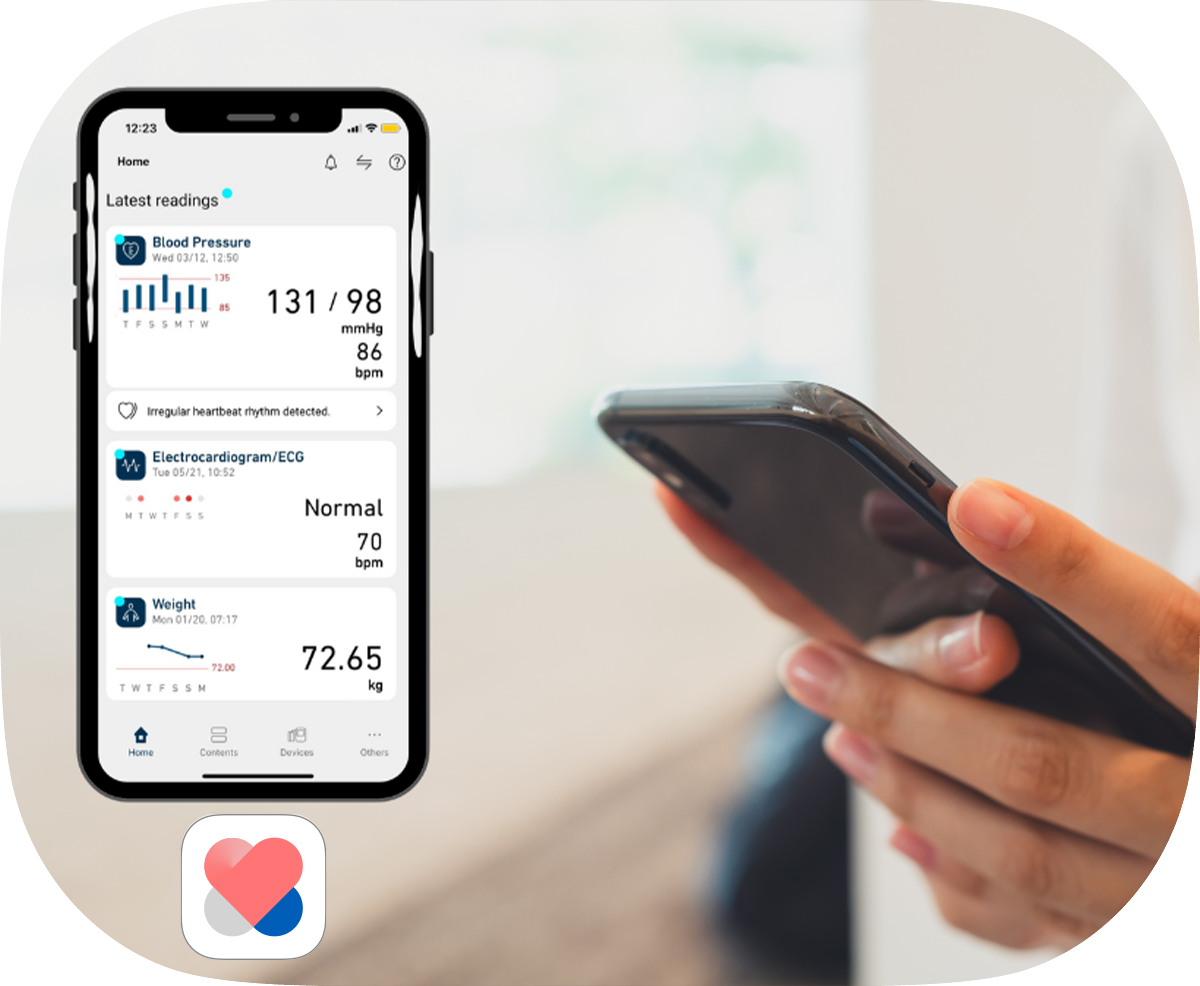

Get smarter with OMRON Connect

OMRON Connect is an app that enables you to manage your health smarter with OMRON Bluetooth devices.

App Store Google Play
Get smarter with OMRON Connect
OMRON Connect

Helping people everywhere take charge of their health

130+
countries
15M+
downloads

Access anytime, anywhere

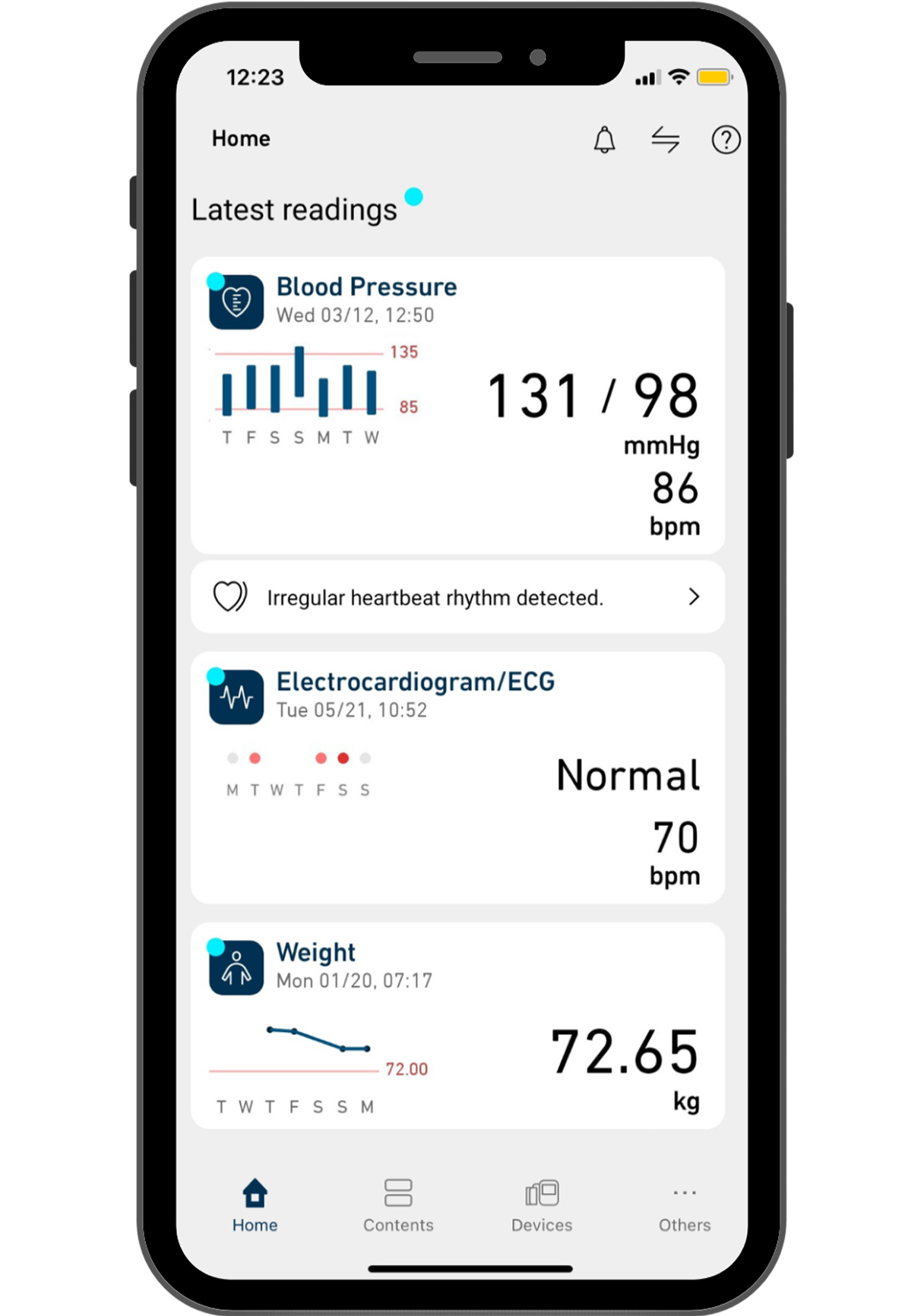
Get your latest health data at your fingertips through the intuitive dashboard.
Share this information with your doctor to receive the most appropriate care and advice.
Store and back up your health data securely on OMRON cloud & access it readily across devices.
OMRON Connect

What you get with OMRON Connect, for free

Access your health data anytime.

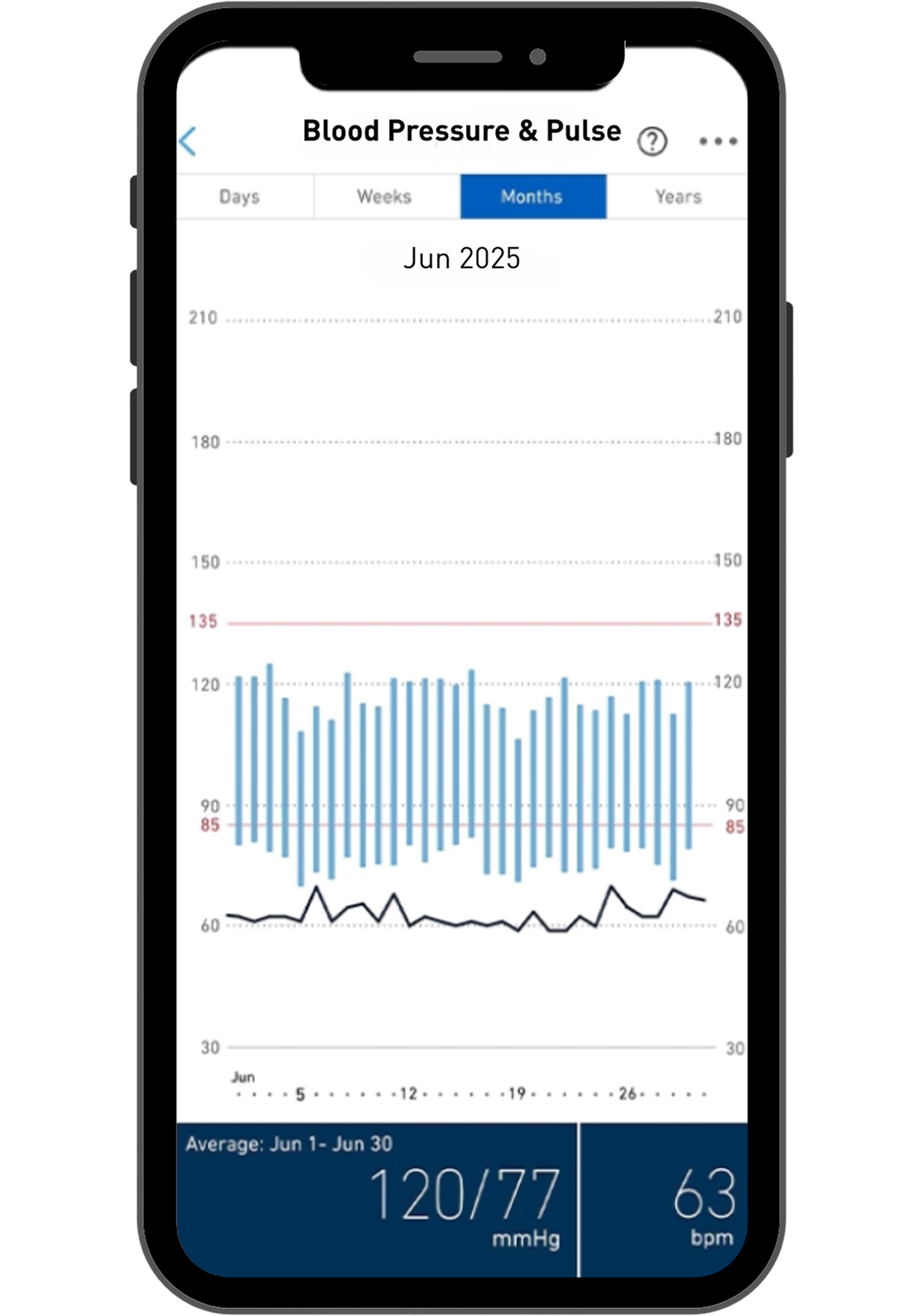
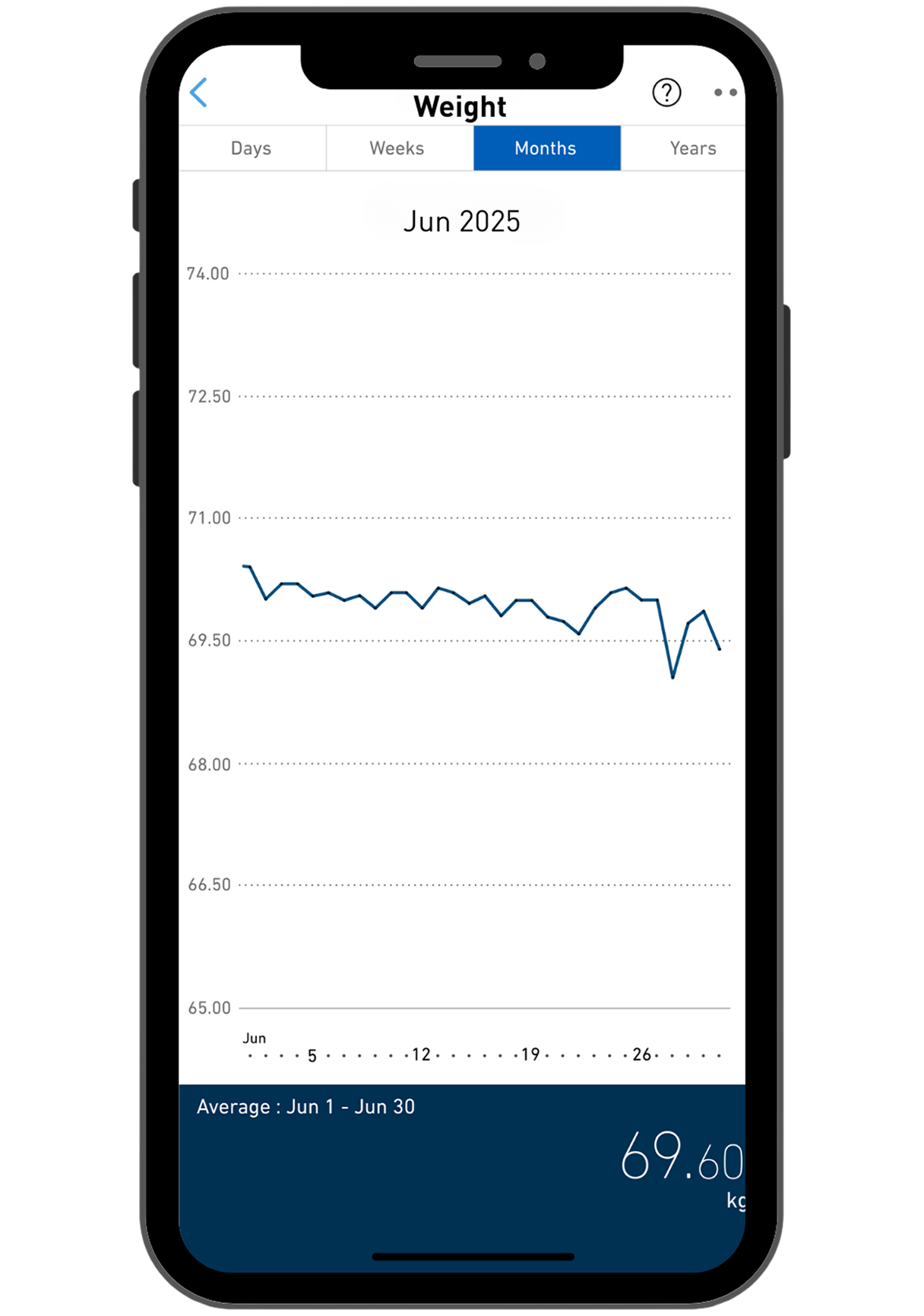
Get clear and detailed visual insights.

Track your health progress and trends.

App Features

BP Diary Tracking System

Set your target blood pressure level & colour indicators will let you know whether your target is achieved for each measurement.

Learn More

Supported Devices

View connectivity requirements and approved mobile devices

Get to know more
OMRON Connect App

Get connected effortlessly

Here are 3 videos to get started:

Step-By-Step Guide
How to install OMRON Connect?

A Quick Glance
What is OMRON Connect?
Unlock the full potential of OMRON Connect
What can OMRON Connect do for you?

Products

Discover the Bluetooth range with access to OMRON Connect.

HEM-7383T1
New!
ELITE

HEM-7383T1

0 star rating (0)
$279.99*
View details
HEM-7155T
PLUS

HEM-7155T

HEM-7144T1
STANDARD

HEM-7144T1

HEM-6232T | Blood Pressure Monitor for Wrist
ELITE

HEM-6232T

Download OMRON Connect now.

App Store Google Play
Download OMRON Connect now.

Frequently Asked Questions

I bought these Omron Bluetooth-connected models BP786N, BP761N, BP653 or BP654 from overseas but not able to find them on Omron connect app in New Zealand.

The mentioned models are only for sale in the US and Canada. Due to regulatory situation in different countries, the app for use with Omron Bluetooth-connected models differs and may not be available for use locally. Omron Wellness app is only available in US and Canada for use with the US models that are not registered for sale in Singapore. Omron connected models BP786N (10 series), BP761N (7 series), BP653 (10 series) or BP654 (7 series) can only be sync-ed with OMRON Wellness App (for US and Canada).

Please email info@omronhealthcare.com.au if you have any other questions.

May I use the Omron connect app with Evolv Wireless Upper Arm Blood Pressure Monitor (BP7000)?

The mentioned models are only for sale in the US and Canada. Due to regulatory situation in different countries, the app for use with Omron Bluetooth-connected models differs and may not be available for use locally. BP7000 can only be sync-ed with OMRON connect App (downloaded from US and Canada App Store).

Please email info@omronhealthcare.com.au if you have any other questions.

I am not able to pair my Omron Blood Pressure Monitor HEM-7280T/ HEM-7600T Smart Elite with the Omron connect app.

1. Ensure that the Omron connect app is downloaded under the local country app store setting.
2. Check that your device and operating system  is compatible with the app. You can check this information at https://www.omronconnect.com/general/
3. Please contact our Customer Service if you need further assistance.

What happens if I take a reading before pairing it to my mobile device?

If you take a reading before pairing the monitor with your mobile device, all readings taken previously will be lost.

How do I use this Bluetooth-connected blood pressure monitor HEM-7280T/ Smart Elite+ HEM-7600T with multiple users?

Both Smart Elite+ HEM-7600T and HEM-7280T can be used by multiple users. The same blood pressure monitor can be synced with multiple mobile devices.
For both models, after a reading is taken, be sure to sync the reading with the desired mobile device. Once that is done, the same reading cannot be  transferred to another mobile device. Hence you can repeat the same process with a different user and different mobile device.

HEM-7280T has 2-user function. When toggled to the User 1, it will automatically transfer the readings taken under User 1 to the device whose Omron connect is set to User Profile 1. Hence is it important to ensure that the readings are taken with the right user profile. You can pair up to 4 mobile devices with HEM-7280T. When paired with 5 or more smartphones, any information previously stored in your device will be overwritten. 

Please email info@omronhealthcare.com.au if you have any other questions.