






Get smarter with OMRON Connect App
OMRON Connect is an app that enables you to manage your health smarter with OMRON Bluetooth devices.



OMRON Connect
Helping people everywhere take charge of their health

Access anytime, anywhere
 Get your latest health data at your fingertips through the intuitive dashboard.
Share this information with your doctor to receive the most appropriate care and advice.
Store and back up your health data securely on OMRON cloud & access it readily across devices.
Get your latest health data at your fingertips through the intuitive dashboard.
Share this information with your doctor to receive the most appropriate care and advice.
Store and back up your health data securely on OMRON cloud & access it readily across devices.

OMRON Connect
What you get with OMRON Connect, for free
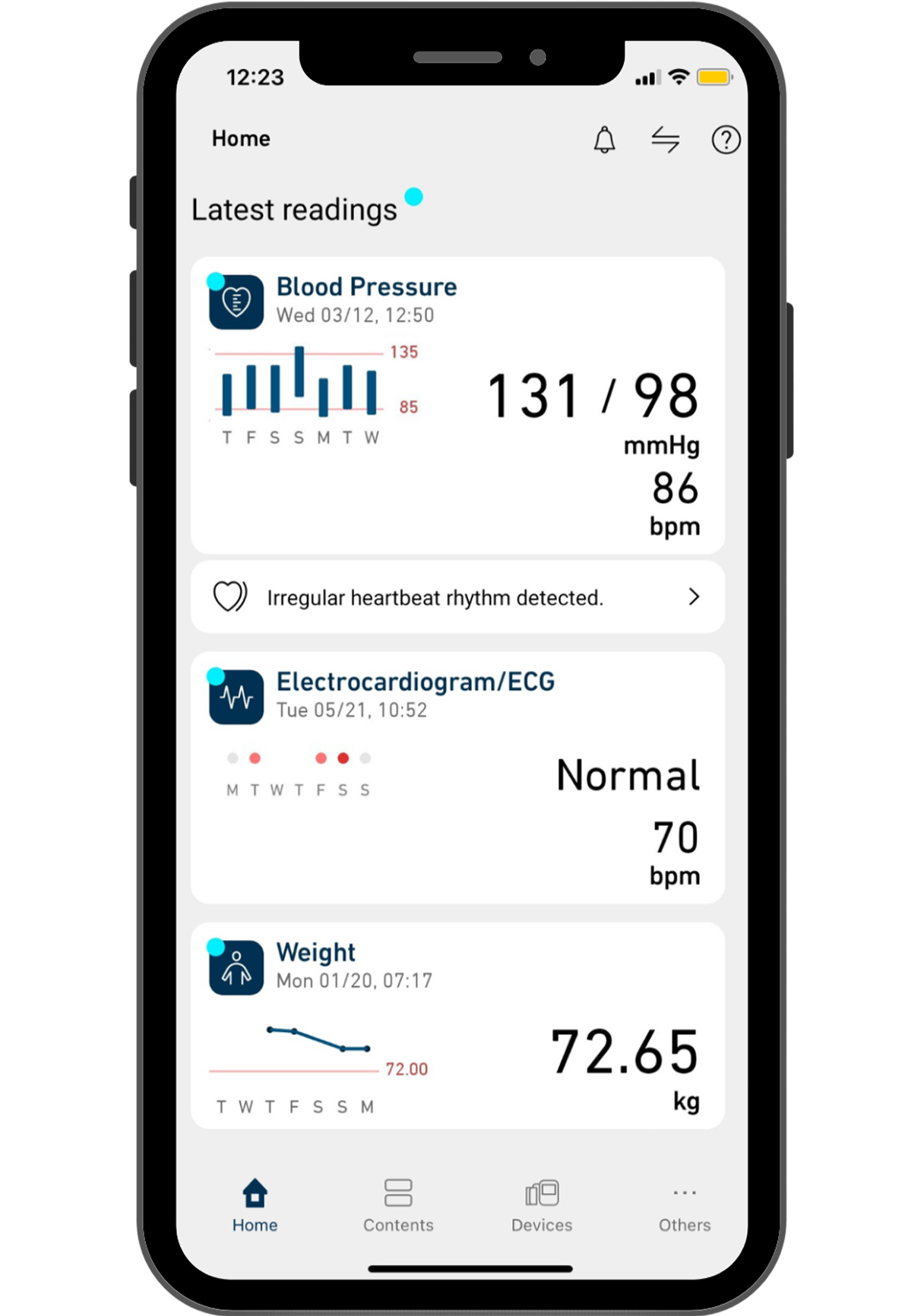
Access your health data anytime.
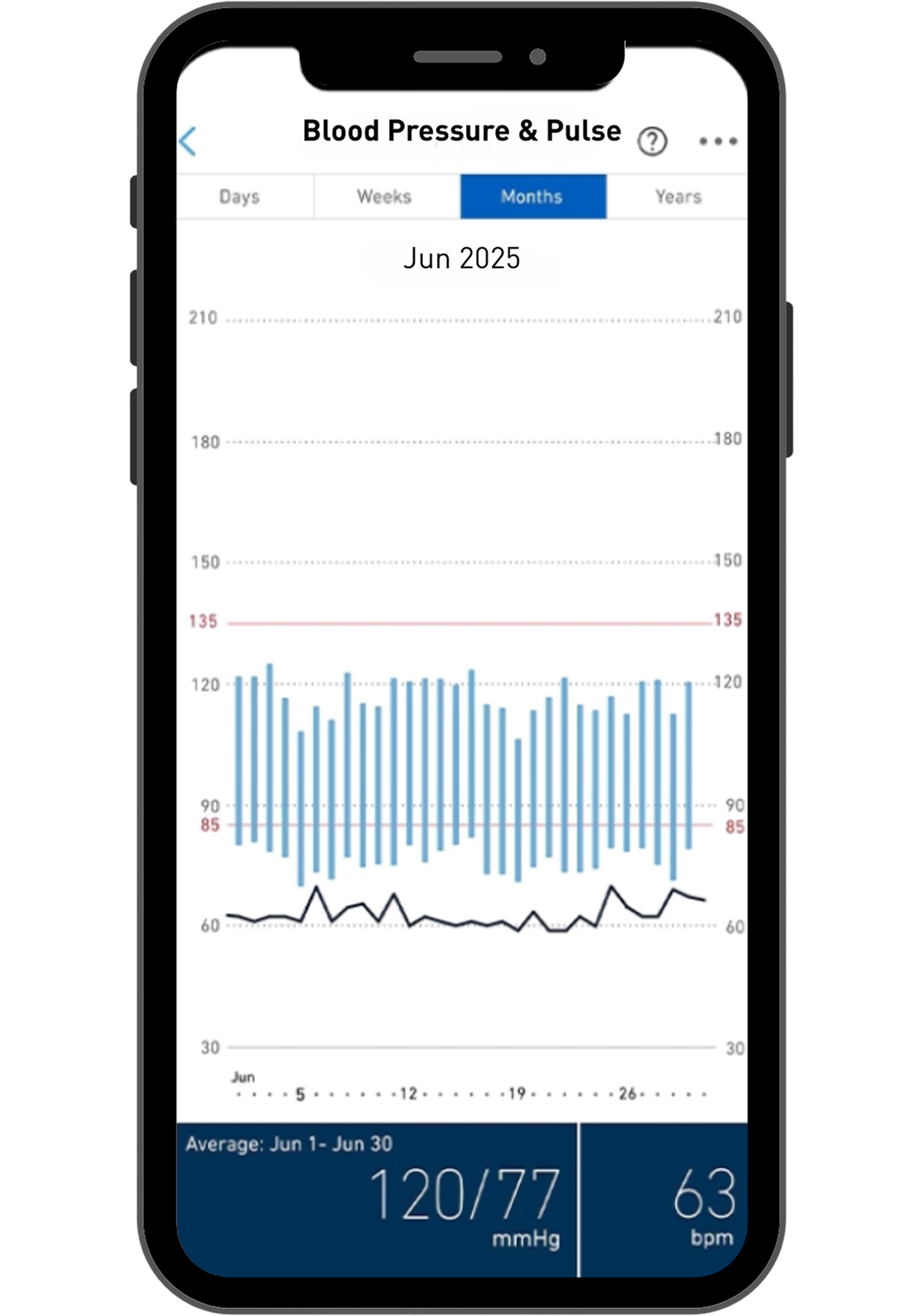
Get clear and detailed visual insights.
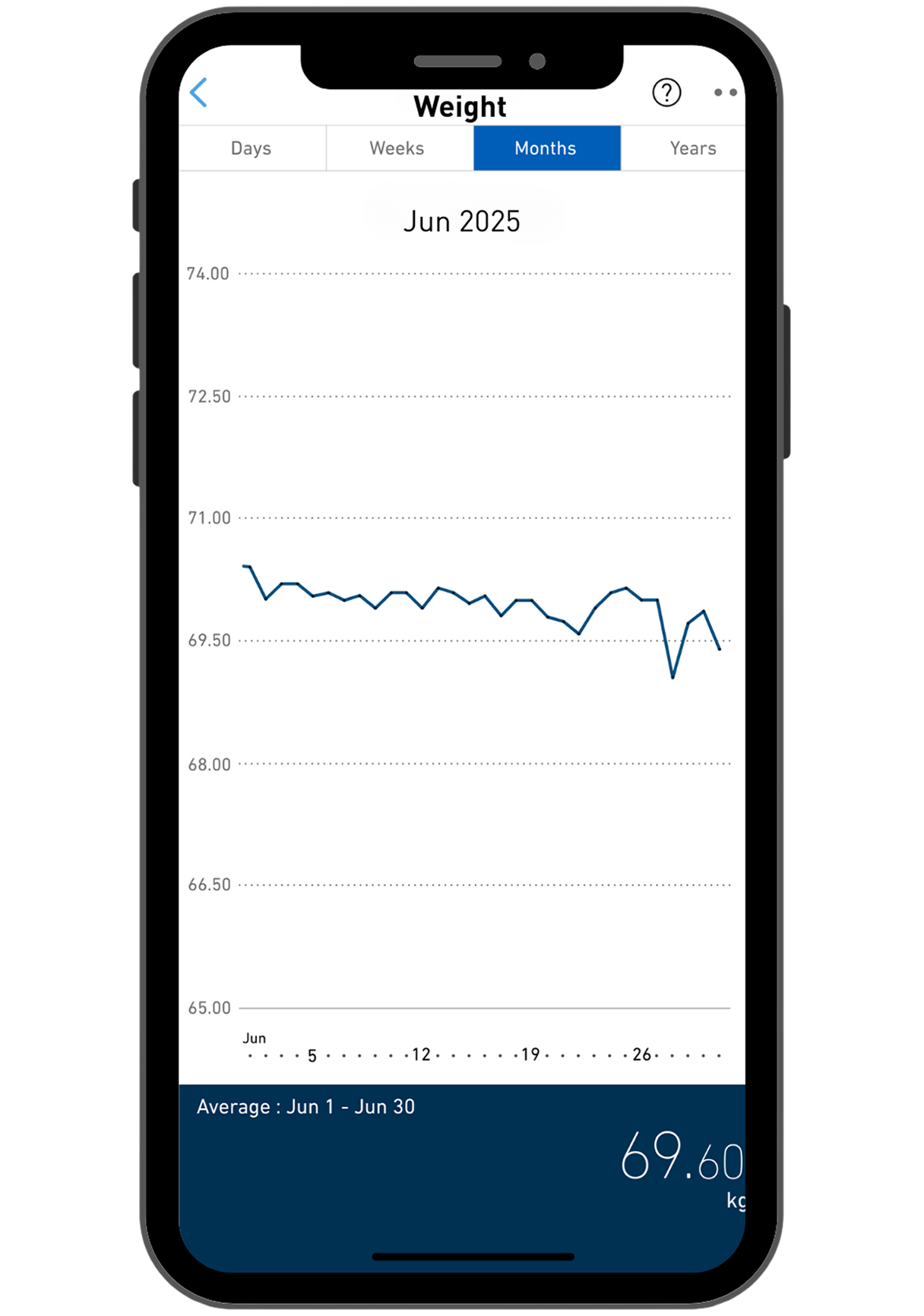
Track your health progress and trends.
App Features

Premium Care
Manage your cardiovascular well-being with AI-powered health insights, priority service and proactive coverage.
Learn More
HealthGift Reward Program
HealthGift rewards you with HealthCoins for every measurement you take & upload to OMRON Connect app.
Learn More
BP Diary Tracking System
Set your target blood pressure level & colour indicators will let you know whether your target is achieved for each measurement.
Learn More

Members Club
Enjoy greater benefit and convenience. Register your OMRON product to unlock extended warranty coverage and special promotions.
Learn More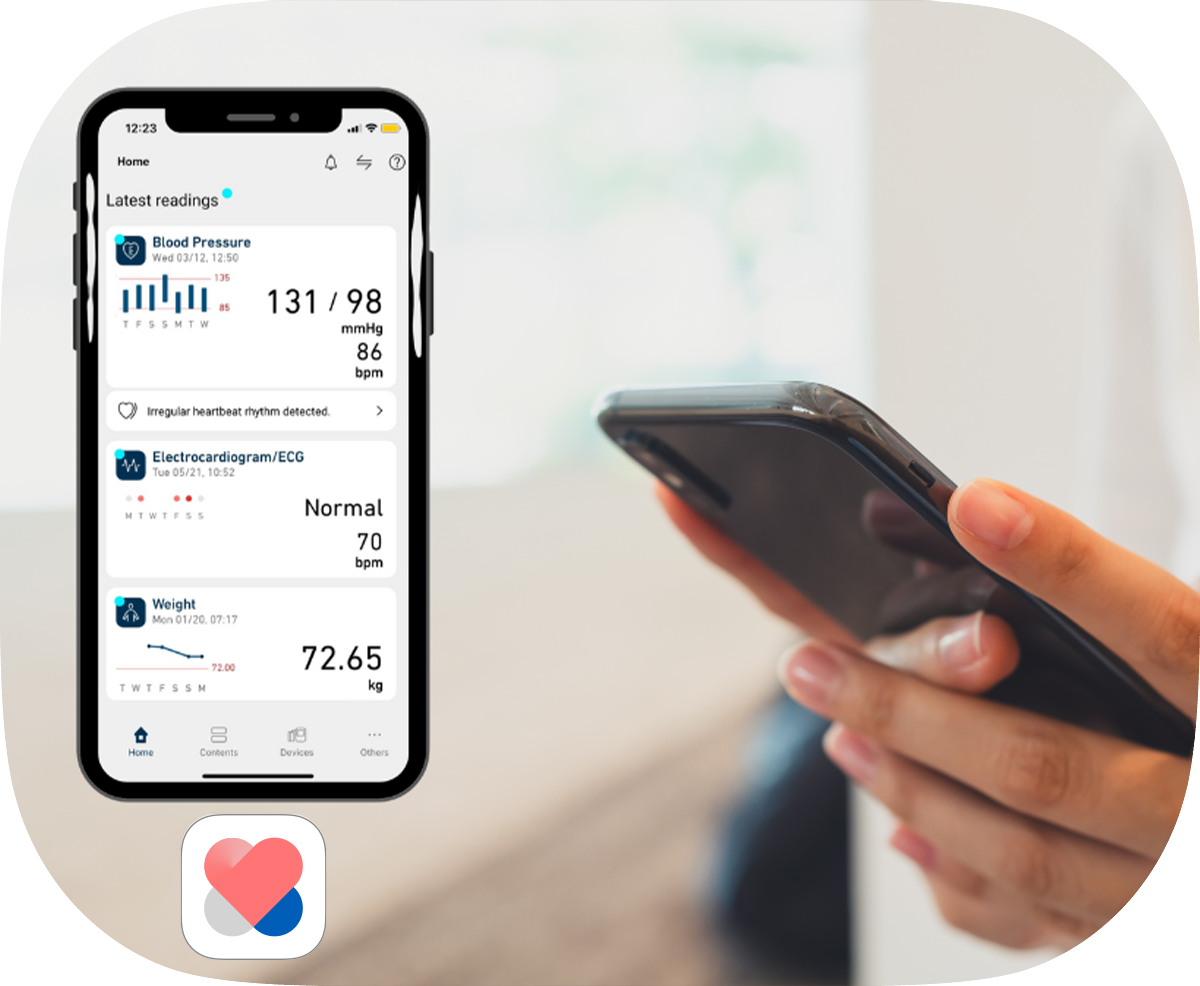


OMRON Connect App
Get connected effortlessly
Here are 3 videos to get started:
Products
Discover the Bluetooth range with access to OMRON Connect.


![Automatic Blood Pressure Monitor IQ BT Power [HEM-7194T1-FLC]](https://www.omronhealthcare-ap.com/Content/uploads/products/876299f45eaa4e96966af701f9799434.png)

![Automatic Blood Pressure Monitor IQ BT [HEM-7194T1-FL]](https://www.omronhealthcare-ap.com/Content/uploads/products/8e9c33210f014ae680d93eeb46659fbb.png)
![Automatic Blood Pressure Monitor EZ BT Large [HEM-7183T1-L]](https://www.omronhealthcare-ap.com/Content/uploads/products/20c72ec234154405b195f20e179e6042.png)
![Automatic Blood Pressure Monitor EZ BT Power [HEM-7183T1-C]](https://www.omronhealthcare-ap.com/Content/uploads/products/7055466a588a444fab795f6ae87ae4ee.png)
![Automatic Blood Pressure Monitor EZ BT [HEM-7183T1]](https://www.omronhealthcare-ap.com/Content/uploads/products/f208e392814140f59ab5c96b3802368b.png)


Download OMRON Connect now.

Frequently Asked Questions
The mentioned models are only for sale in the US and Canada. Due to regulatory situation in different countries, the app for use with Omron Bluetooth-connected models differs and may not be available for use locally. Omron Wellness app is only available in US and Canada for use with the US models that are not registered for sale in Singapore. Omron connected models BP786N (10 series), BP761N (7 series), BP653 (10 series) or BP654 (7 series) can only be sync-ed with OMRON Wellness App (for US and Canada).
Please email healthcare-sg@omron.com if you have any other questions.
The mentioned models are only for sale in the US and Canada. Due to regulatory situation in different countries, the app for use with Omron Bluetooth-connected models differs and may not be available for use locally. BP7000 can only be sync-ed with OMRON connect App (downloaded from US and Canada App Store).
Please email healthcare-sg@omron.com if you have any other questions.
1. Ensure that the Omron connect app is downloaded under the local country app store setting.
2. Check that your device and operating system is compatible with the app. You can check this information at https://www.omronconnect.com/general/
3. Please contact our Customer Service at 6264 5740 if you need further assistance.
If you take a reading before pairing the monitor with your mobile device, all readings taken previously will be lost.
HEM-7600T is a single-user device, HEM-7361T is a 2-user device with a guest mode, and HBF-222T is a 4-user device with a guest mode.
A registered user’s reading will always be saved and can be synced to OMRON connect.
For measurements taken in guest mode, the readings cannot be saved. Please check each device’s user manual for more information.